
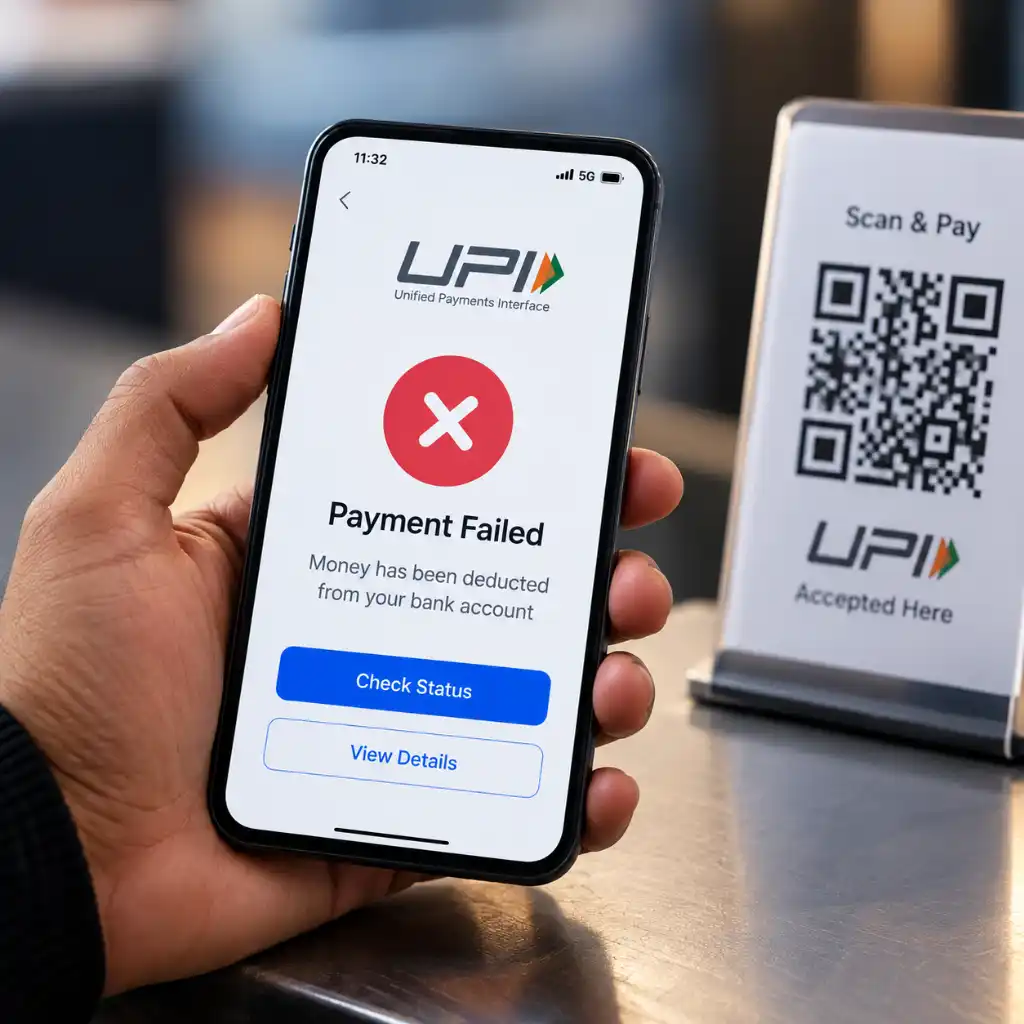
UPI Payment Failed but Money Was Deducted? Here's What to Do

Have you ever scanned a QR code, entered your UPI PIN, and waited for the payment to complete—only to see a “Payment Failed” message while the money has already disappeared from your bank account? It can be stressful, especially when you are paying a shopkeeper, ordering something online, paying a bill, or transferring money to someone who needs it immediately.
The good news is that a failed UPI payment does not necessarily mean your money is lost. In many cases, the transaction is automatically reversed after the payment system reconciles the failed transaction.
However, the right steps depend on the transaction status and whether the receiver actually received the money.
Here is what you should do if your UPI payment failed but money was deducted from your bank account.
What Happens When a UPI Payment Fails After Deduction?
A UPI transaction involves multiple systems, including your bank, the UPI app, the payment network, and, in merchant payments, the merchant's bank.
Sometimes one part of the transaction may not receive the required confirmation even though your account has already been debited.
This can result in situations such as:
- Your account is debited, but the receiver does not get the money.
- The payment shows as failed in the app.
- The payment remains pending for some time.
- A merchant does not receive confirmation even though your account has been debited.
- The transaction eventually gets reversed automatically.
NPCI explains that users can check transaction status and raise complaints for eligible debit transactions through supported UPI complaint mechanisms.
So, don't immediately make the same payment again without first checking the status of the original transaction.
First, Check Your UPI Transaction Status
Before taking any action, open the UPI app you used for the payment.
Go to: Transaction History → Select the Payment → Check Status
You may see one of several statuses:
1. Failed
The transaction was unsuccessful. If your account was debited, the amount may be returned through the applicable reversal process.
2. Pending
A pending transaction needs a little more attention. The payment may not have received its final confirmation yet. Avoid making repeated payments until you know whether the original transaction has actually failed or completed.
3. Successful
If the transaction is marked successful, first check whether the receiver or merchant has received the payment. If they haven't, keep the transaction reference number handy and contact the relevant bank or payment support channel.
4. Reversed or Refunded
This means the previously debited amount has been returned to your account.
How to Get Your Money Back After a Failed UPI Payment
If your UPI payment failed and your bank account was debited, follow these steps.
Step 1: Don't Panic
A debit notification doesn't automatically mean the money is permanently lost. UPI transactions can sometimes experience network, bank-server, timeout, or communication issues. The transaction may subsequently be reversed.
Step 2: Check Your Bank Account
Don't rely only on the notification from your UPI app. Open your bank's mobile application or internet banking and check whether the amount was actually debited. Also note the transaction date, amount, and reference number.
Step 3: Check With the Receiver
If you were sending money to another person, ask them whether they received it. For a merchant payment, check with the merchant before paying again. This simple step can prevent an unnecessary duplicate payment.
Step 4: Wait for the Applicable Reversal Timeline
RBI's failed-transaction framework provides specific timelines depending on the type of UPI transaction.
For example, when a UPI account is debited, but the beneficiary account is not credited, the framework allows auto-reversal if the credit cannot be completed within a specified timeline. For certain merchant-payment scenarios where the customer's account is debited but confirmation is not received at the merchant location, a different timeline applies.
That is why it is better to check the exact transaction status instead of assuming that every failed UPI payment will be reversed within the same number of hours.
What If the Money Is Not Refunded?
If the amount has been deducted and the applicable reversal period has passed, raise a complaint. Start with the UPI app or your bank through the available complaint option.
Keep these details ready:
- UPI transaction ID or reference number
- Date and time of payment
- Amount deducted
- Your bank account details
- Receiver's UPI ID, if applicable
- Screenshot of the failed transaction
- Bank debit notification or statement
NPCI's complaint process allows customers to raise issues related to transactions and track complaint status. NPCI also states that the customer's bank should accept and address complaints regardless of which UPI app was used to initiate the transaction.
Can You Get Compensation for a Delayed UPI Reversal?
In certain failed-transaction situations, RBI's framework provides for compensation when the prescribed auto-reversal timeline is exceeded.
For the specified UPI cases covered by the framework, the compensation amount is ₹100 per day of delay after the applicable deadline. However, the exact timeline depends on the type of failed UPI transaction.
Therefore, don't assume that compensation applies immediately after a payment fails. First identify which type of UPI transaction occurred and whether the applicable reversal period has actually been exceeded.
Should You Make the Payment Again?
This is one of the most common mistakes people make. Suppose you pay ₹2,000 through UPI and the screen shows “Payment Failed.” You check your bank account and notice that ₹2,000 has been debited.
If you immediately pay ₹2,000 again without checking the first transaction, you could potentially end up with two successful payments if the first transaction later completes.
Before retrying, check:
- The transaction status.
- Whether the receiver received the money.
- Whether the original amount has been reversed.
- Whether the merchant has confirmed the first payment.
For important payments, keeping the original transaction ID is especially useful.
Common Reasons Why UPI Payments Fail
UPI payments can fail for several reasons. Some common possibilities include:
Bank Server Issues
Your bank or the receiver's bank may temporarily experience technical problems.
Poor Internet Connection
An unstable internet connection can interrupt communication during a transaction.
UPI App Problems
The payment app itself may experience a temporary technical issue.
Bank Account Restrictions
Transaction limits, account restrictions, or other banking issues can sometimes prevent a payment from completing.
Incorrect UPI PIN
Entering an incorrect UPI PIN can cause a transaction to fail. NPCI notes that repeated incorrect PIN attempts may also result in temporary restrictions, depending on the bank.
Network Timeout
Sometimes the transaction does not receive a response within the expected time, resulting in a timeout or pending/failed status.
What Information Should You Keep After a Failed Payment?
Whenever a UPI payment fails after your account has been debited, save the transaction details.
The most useful information includes:
- Transaction ID: Helps the bank identify the payment.
- Amount: The exact amount deducted.
- Date & Time: Helps locate the transaction quickly.
- UPI ID: Useful for identifying the sender or receiver.
- Screenshot: Useful when submitting a complaint.
- Bank statement: Helpful if the debit needs to be verified.
Having these details ready can make the complaint process much easier.
UPI Payment Failed but Money Deducted: Quick Checklist
If you are facing this issue right now, follow this checklist:
✓ Check the UPI transaction status
✓ Check your bank account
✓ Ask the receiver or merchant whether they received the payment
✓ Don't immediately make a duplicate payment
✓ Save the transaction/reference number
✓ Wait for the applicable reversal timeline
✓ Raise a complaint if the amount is not returned within the applicable timeline
✓ Contact your bank with the transaction details if the issue remains unresolved
Final Thoughts
A failed UPI payment with a debit can look alarming, but it doesn't always mean that your money has disappeared permanently. The transaction may be reversed after the payment system completes its reconciliation. The most important thing is to avoid making another payment blindly. First, check the transaction status, verify whether the recipient received the amount, and keep your transaction reference number safe.
If the money is not returned within the applicable timeframe, raise a complaint through your UPI app or bank and provide the complete transaction details.
UPI is designed for fast digital payments, but like any electronic payment system, occasional technical failures can happen. Knowing what to check—and when to escalate the issue—can help you handle a failed payment without unnecessary stress.
FAQs
1. What should I do if my UPI payment failed but money was deducted?
Check the transaction status, verify your bank account, confirm with the receiver, and wait for the applicable reversal timeline. If the amount is not returned within the prescribed period, raise a complaint with your bank or through the relevant UPI support channel.
2. Will I get my money back if a UPI payment fails?
If your account was wrongly debited for a failed transaction, the applicable reversal process is intended to return the amount. The exact timeline depends on the type of UPI transaction.
3. Can I complain about a failed UPI transaction?
Yes. You can raise a complaint through the relevant UPI app or your bank. NPCI also provides a complaint-status facility for transactions handled through its payment systems.
4. Should I make another UPI payment if the first one failed?
Not immediately. First verify the status of the original transaction and whether the recipient received the money. Making another payment without checking could create confusion if the first transaction is later completed.
5. What details are needed to report a UPI payment issue?
Keep your transaction ID/reference number, payment amount, date and time, UPI ID, and relevant screenshots or bank statement details ready.
6. What if the UPI transaction says successful but the receiver hasn't received the money?
Don't assume that the payment has failed. Save the transaction details and contact the relevant bank/payment support channel so the transaction can be traced.





No comments yet. Be the first to comment!